Contacting us: phone, WhatsApp, email and form
On this page
Open Contact in the menu, or go to the Contact Us page.
- Call us — tap a number to call (on a phone).
- WhatsApp — the fastest way for bookings.
- Email — for documents or longer questions.
- Office — our address, with “Open in Google Maps” for directions.
Send us a message (for questions that are not bookings)
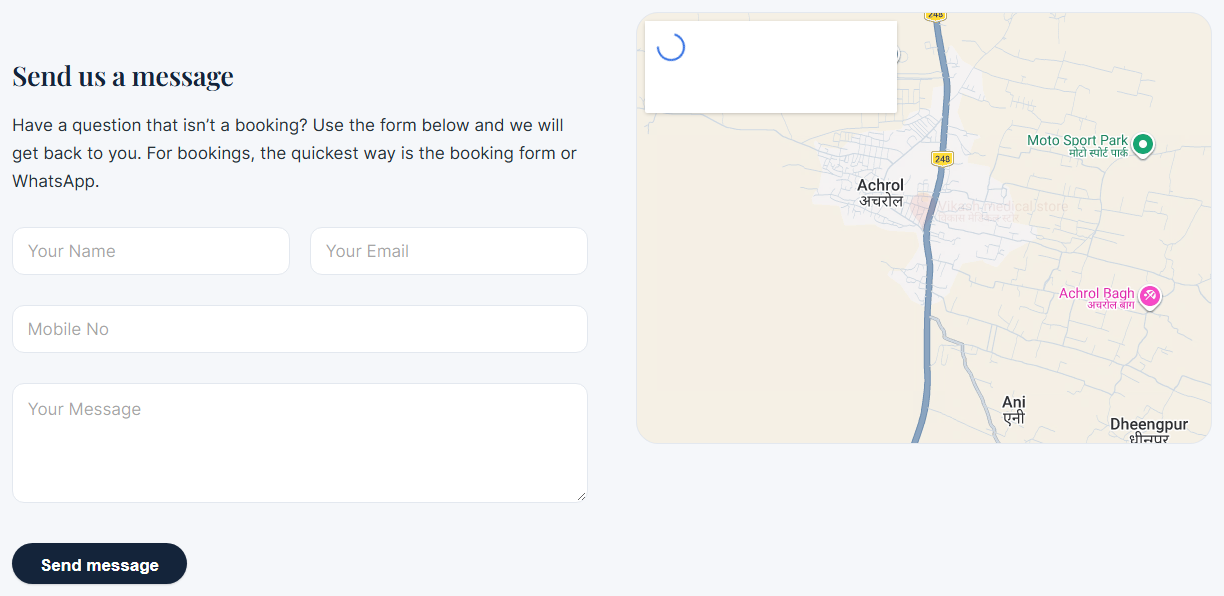
Step 1: Fill in the form
Your name, email, mobile number and your message.
Step 2: Send
Tap Send message. Our team receives your message by email and replies to you.
Step 3: Map
Shows where our office is.
Tip
For a booking, use the booking form or WhatsApp — it is quicker than the contact form.
Our contact details
Still need help?
Our Jaipur team is available 24×7 by phone and WhatsApp.
Was this article helpful?